Canvas-first creation
Draw directly on the page. Adjust brush thickness, color, and opacity — then send a clean prompt from the same interface.
Draw directly on the canvas, choose your line style, and generate a finished image from the same workspace — powered by diffusion models trained on millions of creative works.
Draw directly on the page. Adjust brush thickness, color, and opacity — then send a clean prompt from the same interface.
Convert rough sketches into polished outputs. Works seamlessly on desktop and mobile without compromising quality.
The experience adapts to any screen size. Theme follows the OS preference until the user switches — zero configuration needed.
How it works
The pipeline is designed to be fast, intuitive, and require no prior AI experience.
Use the canvas tools to draw your idea. Adjust brush thickness, color, and transparency to capture the linework you want.
Add style direction so the AI knows whether to produce a polished illustration, concept art, or product render.
Submit and receive the AI-generated result by email once processed. No account required.
Use cases
From rapid ideation to polished renders — any workflow that starts with a sketch.
Under the hood
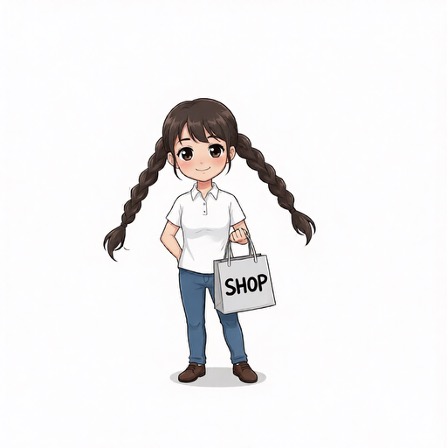
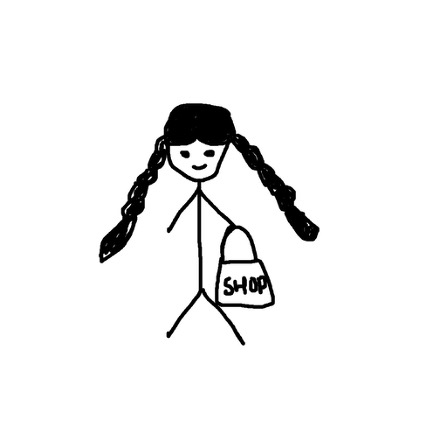
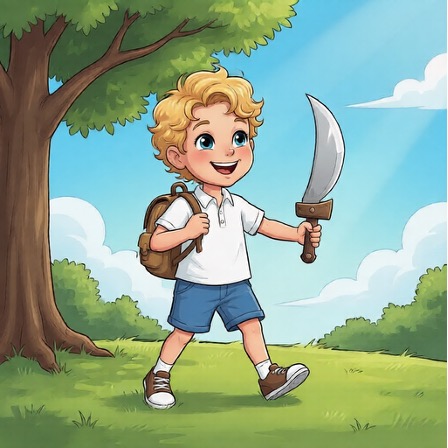
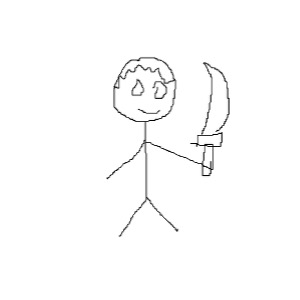
Your sketch acts as a structural control signal alongside the text prompt to guide generation.
Examples
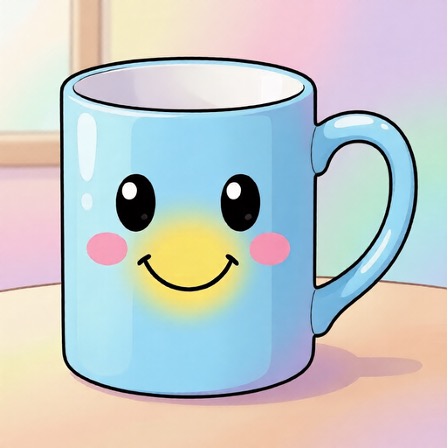
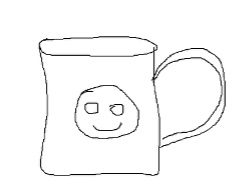
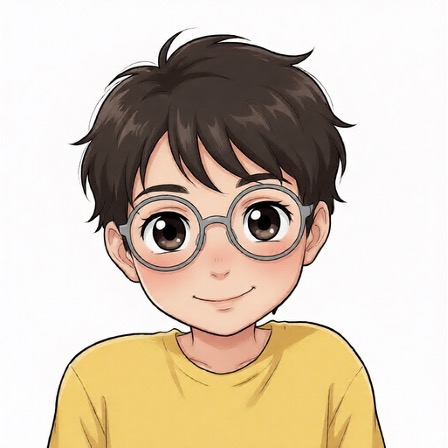
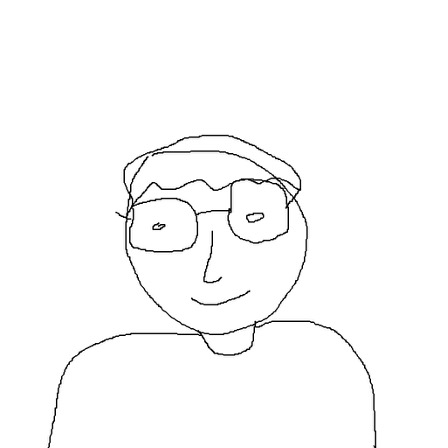
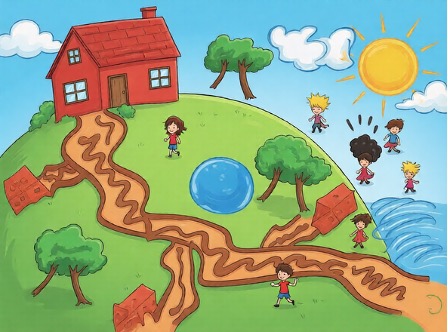
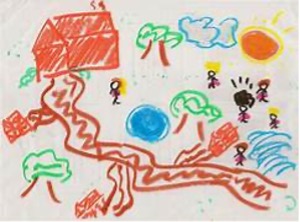
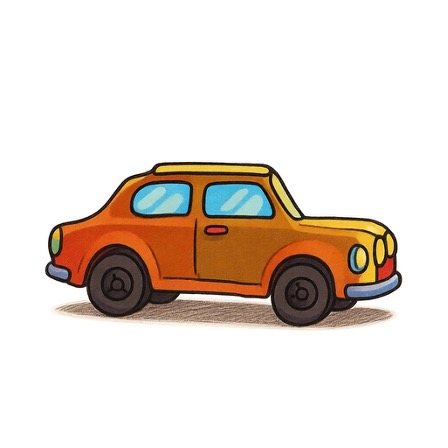
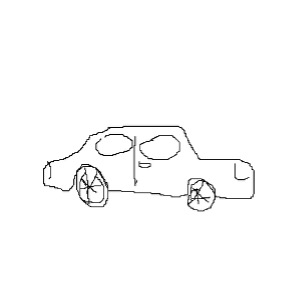
Grab the slider handle and drag left or right to reveal the sketch or the generated image.
FAQ
Everything you need to know before you start drawing.
A workflow that turns hand-drawn or digital sketches into polished images by combining your drawing with an AI generation prompt.
Generation typically takes around 30 seconds end-to-end. You'll receive the result by email as soon as it's ready.
No. Just draw on the canvas, add a description, enter your email, and submit. No signup or account required.
Clear line drawings with defined shapes work best. The AI uses your sketch as a structural guide alongside your text description to generate the final image.
Ready to create
No account required. Draw, describe, and receive your AI-generated image by email.